

Download Little Barker – puzzle game, Laika, space dog, historical story, educational game, 3D puzzle
Overview
Little Barker is a narrative-driven puzzle game developed by Kudryavka and released on June 22, 2013, for Android devices. The app presents players with a poignant and historically inspired journey centered on Laika, the first dog to orbit Earth. As players guide Laika through a series of challenges, they experience her life before the historic mission, focusing on her daily struggles for survival. The game combines emotional storytelling with light puzzle mechanics, creating a unique experience that blends entertainment with education. Its primary purpose is to provide insight into a lesser-known chapter of space history while engaging users through interactive gameplay.
Designed for players interested in historical narratives, puzzle challenges, and thoughtful storytelling, Little Barker appeals to a niche audience seeking meaningful mobile experiences. The game is particularly relevant for educators and students exploring themes of science, history, and animal ethics. While the developer did not provide additional technical details, the app’s structure suggests a focus on narrative depth and accessible gameplay. The emotional weight of Laika’s story adds a layer of reflection not commonly found in casual puzzle games, making it stand out in the mobile app ecosystem.
Key Features & Functionality
- Immersive Storyline: Players follow Laika’s journey through a series of interconnected levels, each revealing more about her life, environment, and the challenges she faced. The narrative unfolds gradually, encouraging players to form an emotional connection with the character.
- Strategic Puzzle Mechanics: The core gameplay revolves around solving puzzles involving movable boxes and environmental obstacles. Each level requires players to think ahead, plan movements, and adapt strategies to progress.
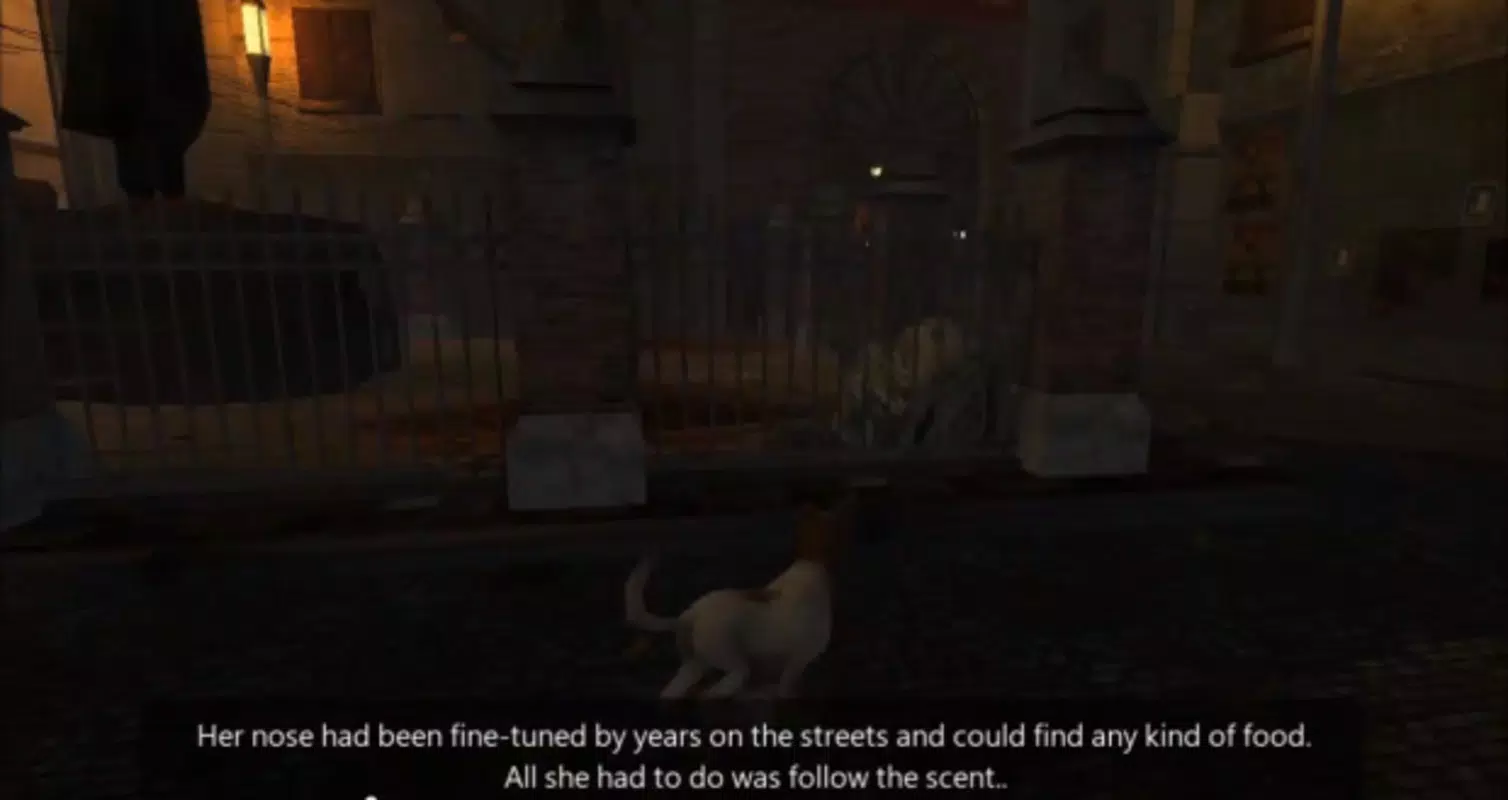
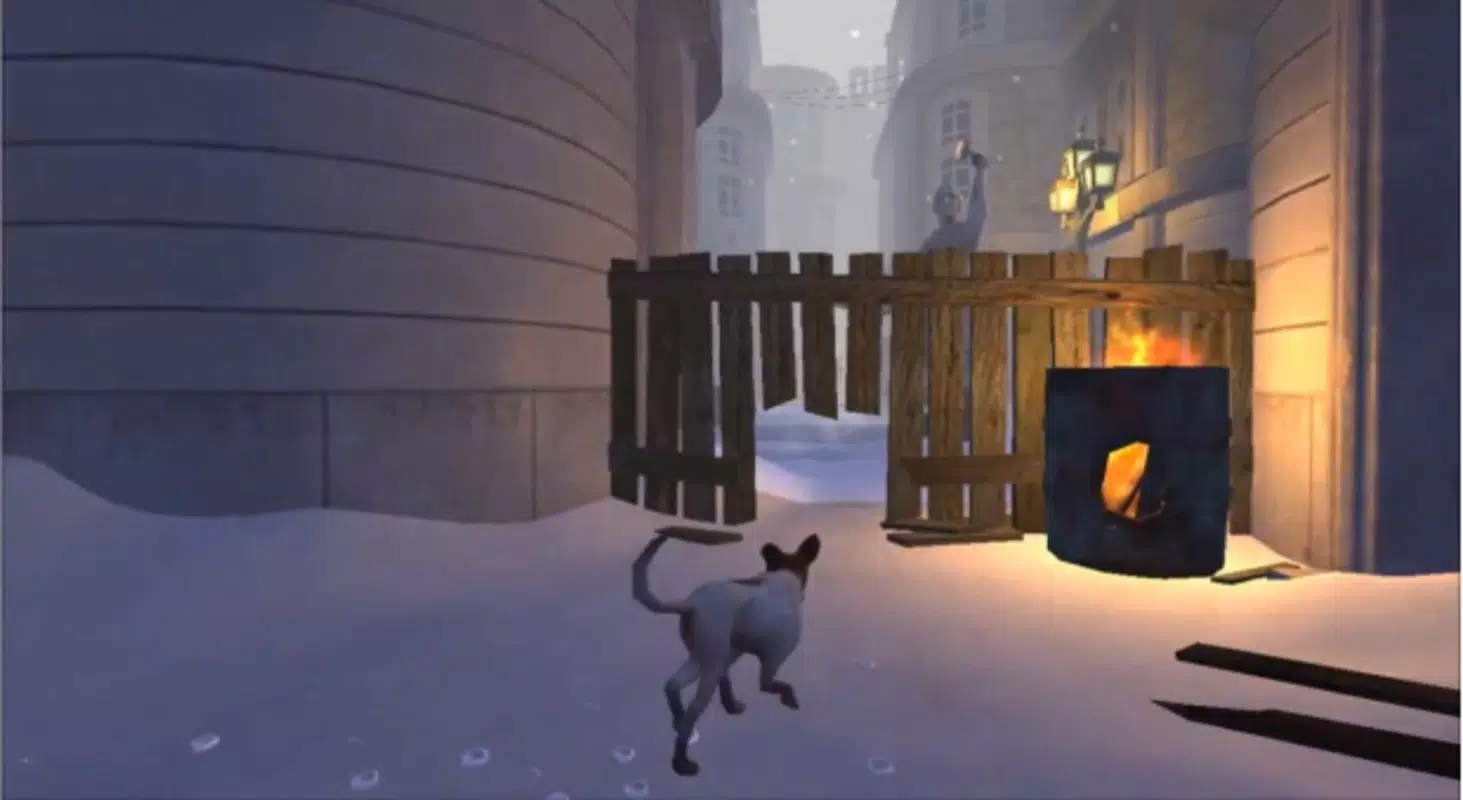
- Dynamic 3D Environments: The game features visually detailed 3D scenes that reflect the urban and rural settings of mid-20th century Russia. These environments include hiding spots, pathways, and obstacles that enhance exploration and immersion.
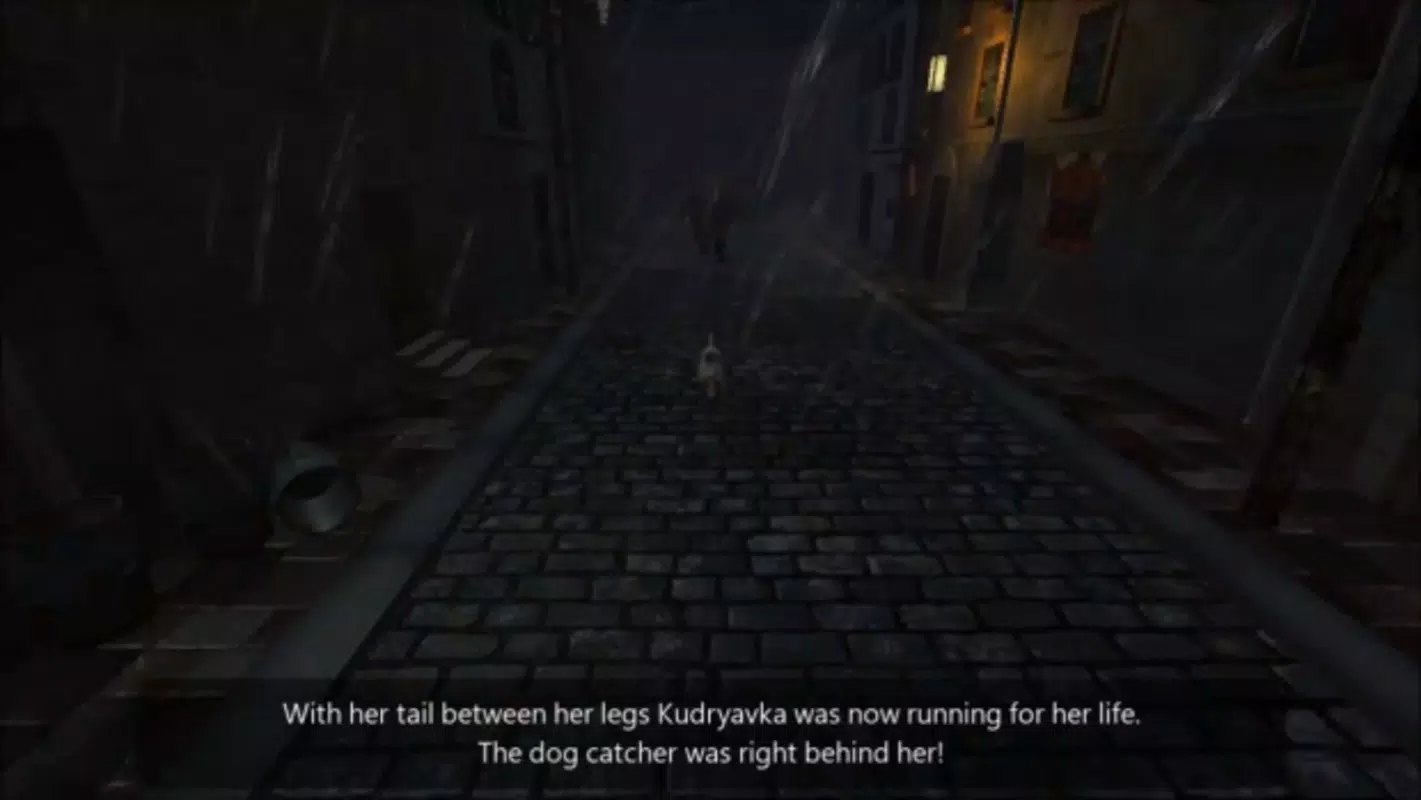
- Adversarial Gameplay Element: A persistent dog catcher serves as a threat, forcing players to remain cautious and plan their routes carefully. This adds tension and urgency to the puzzle-solving process.
- Educational Narrative: Beyond gameplay, the app offers historical context about Laika’s mission, promoting awareness of her legacy and the broader implications of early space exploration.
For example, players may need to use boxes to reach elevated platforms while avoiding detection by the dog catcher. These scenarios simulate real-life challenges Laika might have faced, reinforcing the game’s educational and emotional objectives. The balance between challenge and accessibility ensures that players of various skill levels can engage meaningfully with the content.
Interface, UX & Performance
The user interface of Little Barker is designed with simplicity and clarity in mind. Navigation is straightforward, relying on touch-based controls to move Laika and manipulate objects. The layout prioritizes visual cues, with intuitive icons and minimal on-screen clutter, allowing players to focus on the core gameplay. The visual style employs a soft, stylized 3D aesthetic that complements the game’s emotional tone.
Although the developer did not list formal performance metrics, the app’s file size of 13.3 MB suggests it is optimized for lightweight execution on a range of Android devices. The game appears to run smoothly on standard hardware, with responsive controls and consistent frame rates. Stability is maintained across levels, with no reported crashes or freezes in the available data. The app’s performance is likely consistent across mid-tier and entry-level smartphones, though specific compatibility details were not disclosed.
Platform Compatibility & Technical Requirements
Little Barker is available exclusively on the Android platform. The app runs on devices supporting the specified software version, 1.0.1. The file size is 13.3 MB, indicating a compact installation footprint that minimizes storage usage. The developer did not specify minimum OS requirements or hardware capabilities, so compatibility may vary across older or newer Android devices. However, the app’s lightweight nature suggests broad accessibility.
Users should ensure their device meets general Android standards for running lightweight applications. No additional permissions or background services were listed in the provided data. For optimal performance, users are advised to install the latest version available through official channels. Updates may include stability improvements or minor enhancements, though no update history was provided.
Pros and Cons
- Emotionally resonant narrative rooted in real history
- Simple yet engaging puzzle mechanics suitable for all ages
- Stylized 3D environments enhance immersion
- Free to download and install with no in-app purchases
- Compact file size ensures easy installation on low-storage devices
- Outdated release date may affect compatibility with newer Android versions
- No official updates or developer support since 2013
- Limited visual and audio feedback due to minimal technical specifications
- Platform availability restricted to Android only
- Minimal social or progress-tracking features
FAQ
Is Little Barker safe to download and install?
Yes, the app is free and available through official Android channels. No third-party sources were mentioned, so users should download from trusted platforms to ensure security.
Can I play Little Barker on iOS devices?
The app is currently available only on Android. There is no official version for iOS devices, and no information suggests future releases on other platforms.
Does Little Barker require an internet connection?
Based on the available information, the app does not require an internet connection to function. All gameplay and content are stored locally.
Is Little Barker suitable for children?
Yes, the game is appropriate for children aged 8 and above. The content is non-violent and focuses on problem-solving and historical awareness, though the narrative includes themes of loss and sacrifice.
How often is Little Barker updated?
The app was released in 2013, and no updates have been reported since. The developer has not provided information on future updates or support.
Final Thoughts
Little Barker stands as a rare example of a mobile app that combines puzzle gameplay with historical storytelling. Its emotional depth, coupled with accessible mechanics and a compact design, makes it a valuable tool for learning and reflection. While the app’s age may limit its compatibility with modern devices, its enduring message about courage, sacrifice, and scientific progress remains relevant. The game is ideal for educators, history enthusiasts, and players seeking more than just entertainment. It offers a meaningful experience that lingers beyond the final level.
Download Little Barker now


